

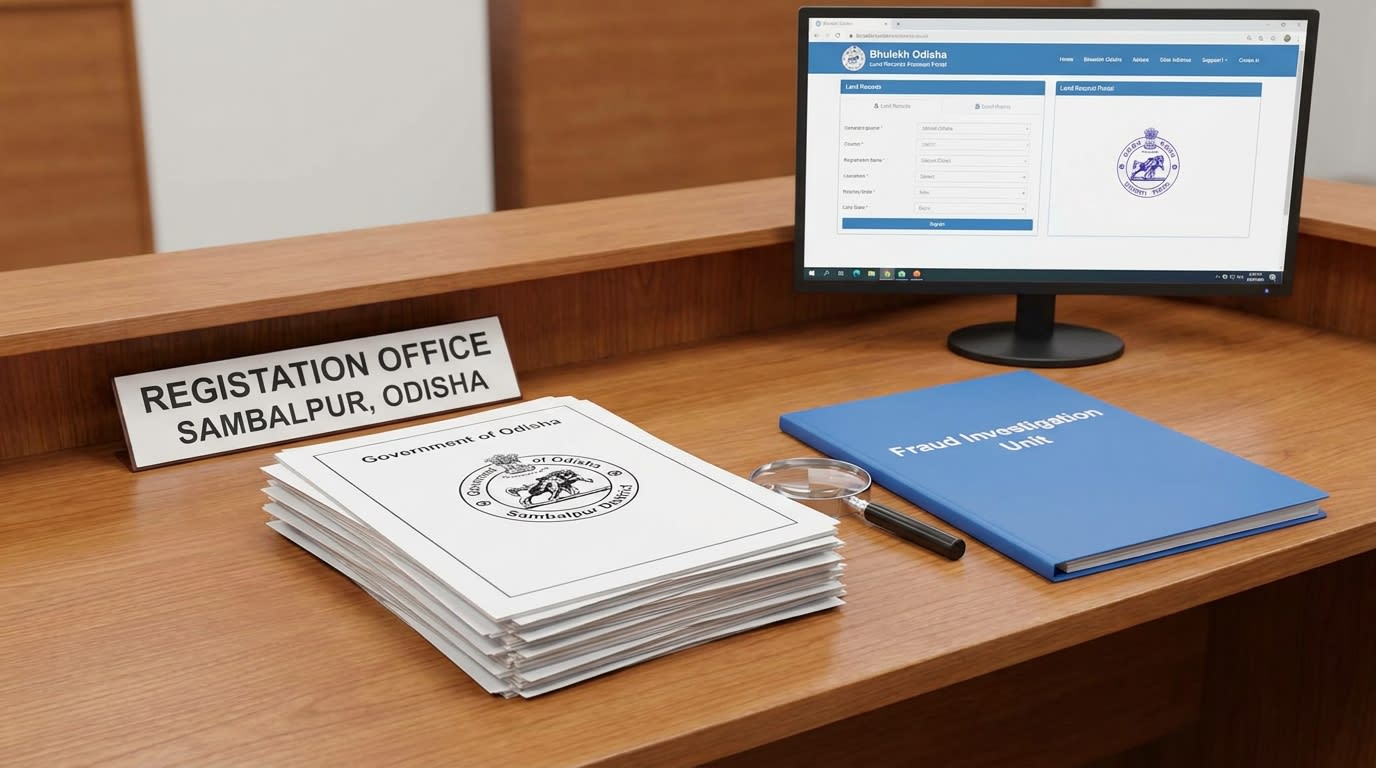
Picture a family in Sambalpur who walk into a Sub‑Registrar office only to discover that the plot they had paid for was already mortgaged to a bank (IGR Odisha (Inspector General of Registration)). The solution is simpler than you think, but you must follow the exact online steps. Below you’ll find a warm, step‑by‑step walk‑through and the statutes that protect you. Let’s protect your land together.
What is Record of Rights
The Record of Rights (ROR), known locally as Adhikar Abhilekh (ଅଧିକାର ଅଭିଲେଖ), is a government‑issued ledger that lists the current owner, any tenants, and any encumbrances on a parcel of land (Bhulekh Odisha portal). It is the backbone of every property transaction in Odisha. Think of the ROR as the "DNA" of your plot, if the DNA is wrong, the whole body is at risk.
Why Sambalpur ROR matters
Sambalpur sits on the Mahanadi floodplain, a region where industrial projects and agricultural plots intersect. A clean ROR tells you whether a plot is free of:
- Existing mortgages or loans
- Pending inheritance claims
- Unauthorised encroachments
If any of these appear, the buyer can demand a fresh mutation or walk away. The BhuNaksha map system, linked from the same portal, shows the exact geographic coordinates so you can verify that the plot number matches the map.
Step‑by‑step online check
- Open your browser and go to the official Bhulekh portal (the link is auto‑generated on our Bhulekh Odisha page). 2. Select District = Sambalpur, then choose the appropriate Tahasil, RI Circle, and Village from the drop‑down menus. 3. Enter one of the identifiers, Khatiyan number, Tenant name, or Plot number, and click Search. 4. When the ROR page loads, note the Owner/tenant details, Plot/khatiyan linkage, and any Legal case entries listed at the bottom. 5. Click View Map to open the BhuNaksha portal and confirm the plot’s shape and location. 6. Download the PDF version of the ROR for your records. 7. Cross‑check the same plot on the BhuNaksha site to ensure the map polygon matches the ROR description. 8. If anything looks off, immediately contact a local advocate.
Common pitfalls and fraud patterns
- Third‑party apps masquerading as Bhulekh, they often display a polished UI but pull data from unofficial databases. Always use the government domain (bhulekh.ori.nic.in), no shortcuts. Missing “Legal case” row, scammers delete this row on printed copies, but the online view will still show an entry if you scroll to the bottom. Mismatched plot numbers, a fake deed may list a plot number that does not exist on the map. The BhuNaksha cross‑check catches this instantly. * Delayed mutation, waiting after a sale gives fraudsters a window to alter the ROR. Ignoring the “Legal case” field can lead to serious losses.
A plot can carry a mortgage that the ROR you receive does not show, and a buyer may learn of it only when the bank demands repayment. This is why a meticulous online check is non‑negotiable.
Next steps for buyers
- Perform the online check today. 2. Keep a copy of the PDF and the map snapshot in a secure folder. 3. If any discrepancy appears, reach out to a qualified advocate in Sambalpur. 4. Use the Bhulekh Odisha portal for future reference and stay updated on fee changes (IGR Odisha fee schedule). 5. Before you sign any sale deed, read our First Time Land Buyer Guide to understand the broader fraud landscape.
Frequently asked questions about ROR
How can I verify if my Sambalpur plot has any pending lawsuits? You can see any pending cases listed under the “Legal case” section of the ROR page. If the entry shows a case number, note it and search the district court docket. What is the difference between a Record of Rights and an Encumbrance Certificate? The ROR records ownership and tenancy, while the Encumbrance Certificate (EC), issued under Form 25, lists all financial liabilities like mortgages or liens. Both must be clean before a sale; the EC is often requested by banks for loan processing. Can I download the ROR without paying any fee? Yes. The Bhulekh portal provides the PDF free of charge. Fees only apply for ancillary services like land‑revenue payment or mutation filing. Why does the ROR sometimes show a different owner than the sale deed? This can happen when a mutation has not been recorded yet. The older entry remains until the record is updated.
Correcting Errors in Your Sambalpur ROR
Even with digital records, errors can occasionally creep into your Record of Rights (ROR). These might be typographical mistakes, incorrect survey numbers, or misspellings of names. Uncorrected errors can lead to significant disputes and hinder future transactions. Fortunately, the process for rectification in Odisha is well-defined.
To correct an error in your ROR in Sambalpur, you must file an application with the Tahasildar. This falls under Section 15(b) of the Odisha Survey and Settlement Act, 1958, which empowers the Tahasildar to rectify bona fide mistakes.
Here’s a general outline of the process:
- Prepare an application: Clearly state the error and provide supporting evidence.
- Gather supporting documents:
- Original sale deed or gift deed.
- Previous ROR copies (if available).
- Mutation order (if the error occurred during mutation).
- Identity and address proof.
- Affidavit declaring the facts.
- Submit to Tahasildar: File the application at the Sambalpur Tahasildar's office. A nominal application fee is typically charged.
- Verification and Inquiry: The Tahasildar's office will conduct an inquiry, which may involve field verification by a Revenue Inspector (RI) and issuing public notices to invite objections.
- Order and Update: If no valid objections are received and the error is confirmed, the Tahasildar will issue an order for correction, and the ROR will be updated.
The time the process takes depends on the complexity of the error and the volume of applications. Promptly correcting any discrepancies in your ROR is crucial to safeguard your property rights and avoid future legal complications.
Understanding Land Classifications in Your ROR
Your Sambalpur ROR doesn't just list ownership; it also categorizes the land based on its type and potential use. Understanding these classifications is vital, as they dictate permissible activities, tax implications, and even the land's market value. These classifications are primarily governed by the Odisha Land Reforms Act, 1960.
Common land classifications you might find in your ROR include:
- Gharabari (Homestead): Land designated for residential purposes. It generally has higher market value and lower land revenue compared to agricultural land.
- Sarad/Bahal (Agricultural): Productive agricultural land, often further classified by irrigation status (e.g., irrigated, rain-fed). Conversion of agricultural land to non-agricultural use requires permission from the Collector.
- Bebandobasta (Unsettled/Waste Land): Land that hasn't been formally settled or categorized. It may include barren land, hills, or water bodies.
- Byabasayika (Commercial): Land specifically designated for commercial or industrial use, typically found in urban or semi-urban areas like Sambalpur city limits.
- Patita (Fallow Land): Agricultural land left uncultivated for a period.
Converting land from one classification to another, for instance, from agricultural (Sarad) to homestead (Gharabari), requires an application to the District Collector. This process involves paying a conversion fee. Knowing your land's classification helps you understand its legal usage and potential for development.
The ROR's Role in Agricultural Loans and Subsidies
For farmers in Sambalpur and across Odisha, the Record of Rights (ROR) is far more than just a proof of ownership; it's a critical document for accessing vital financial support. Banks and government agencies extensively rely on an updated ROR to verify landholding, assess eligibility for agricultural loans, and disburse various subsidies.
When applying for an agricultural loan, such as a Kisan Credit Card (KCC) from institutions like Odisha Gramya Bank or State Bank of India, the ROR serves as the primary collateral document. It confirms:
- Ownership: Who legally owns the land.
- Extent of Land: The exact area of land held by the applicant.
- Encumbrances: Whether the land is already mortgaged or has other liabilities (though an Encumbrance Certificate provides a more detailed view).
Furthermore, numerous government schemes designed to support farmers, like the KALIA (Krushak Assistance for Livelihood and Income Augmentation) scheme or the PM-KISAN (Pradhan Mantri Kisan Samman Nidhi), mandate the submission of an ROR to verify beneficiary eligibility. For instance, the KALIA scheme, which provides financial assistance to small and marginal farmers in Odisha, requires a valid ROR to confirm agricultural landholding.
An outdated ROR, or one with discrepancies, can significantly delay or even prevent access to these crucial benefits. Farmers often face challenges during subsidy application periods if their ROR doesn't reflect recent mutations or subdivisions. Ensuring your ROR is current and accurate is essential for securing timely financial assistance and maximizing agricultural opportunities.